Stop Motion: Techniques and Problems.
The work
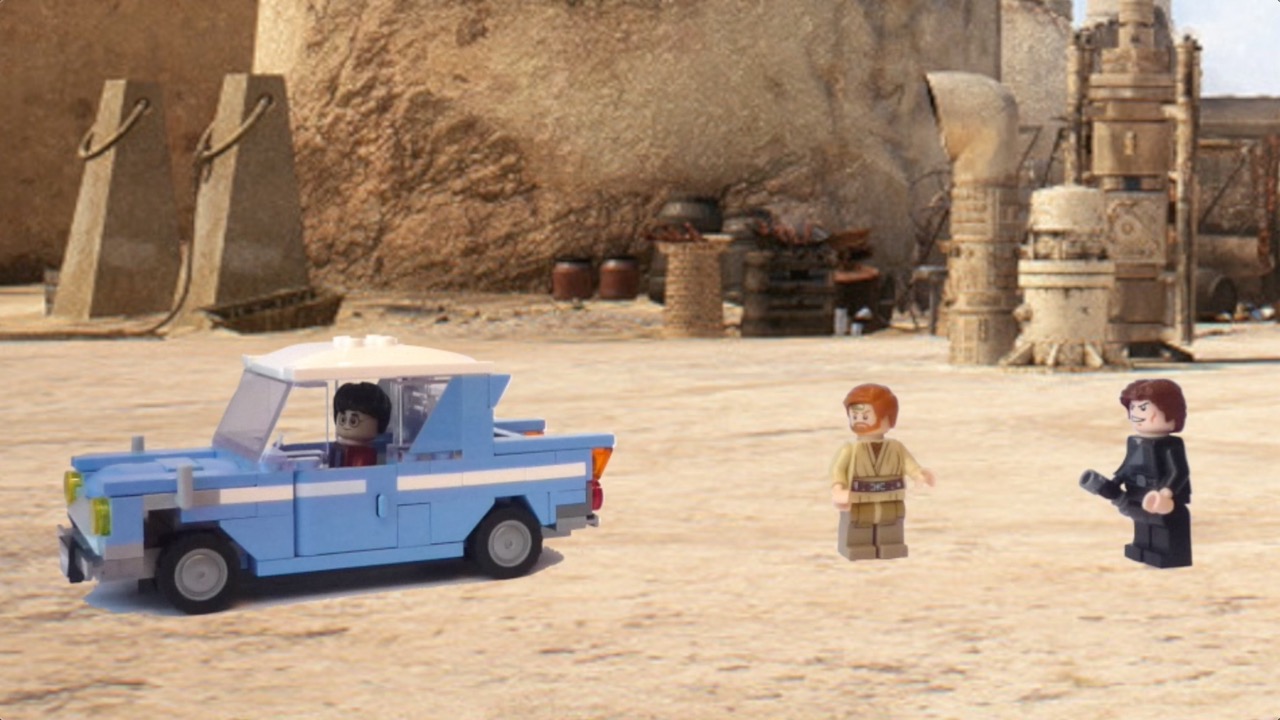
I made multiple animations based off Star Wars, the Spider-Verse movies, I made my first stop motion in year 6, during the COVID lockdown, and to this day, I have made a lot of animations. They are short videos between 1 and 5 scenes in length.
Inspiration
At first, I got a book of LEGO brickfilms for Christmas, which I followed to make my first ever stop-motion film. I naturally enjoyed it a lot, so I took it further, making loads more animations. I also took inspiration from youtube videos and tutorials I found online.
Tools and techniques
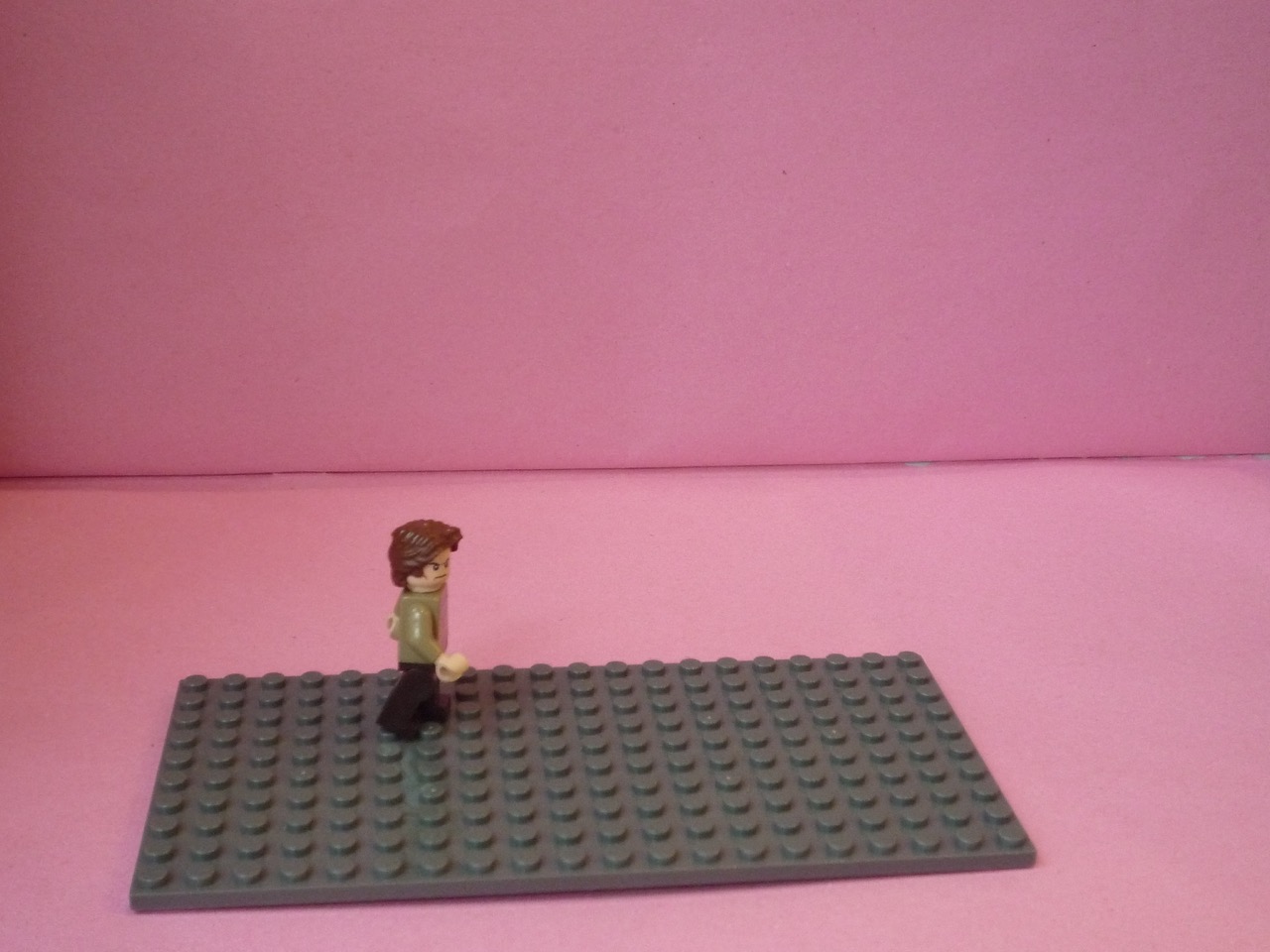
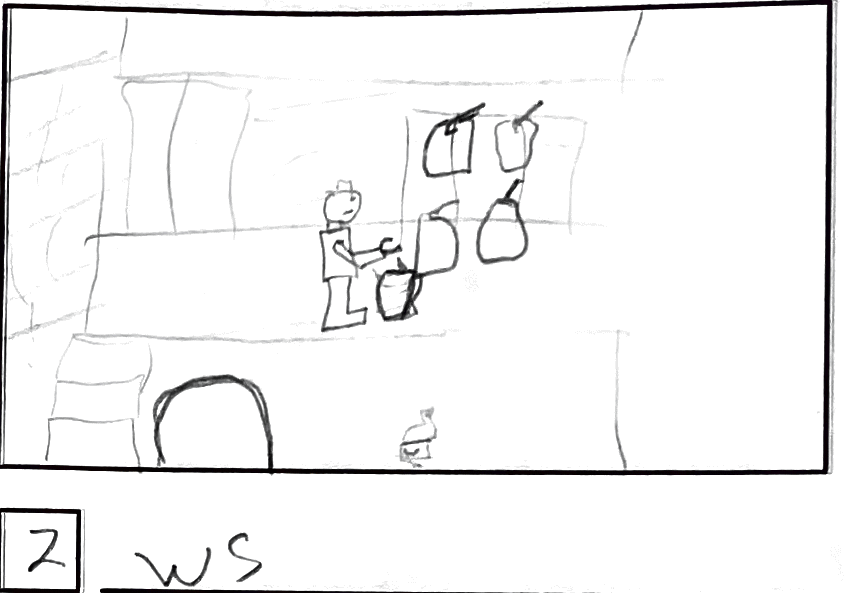
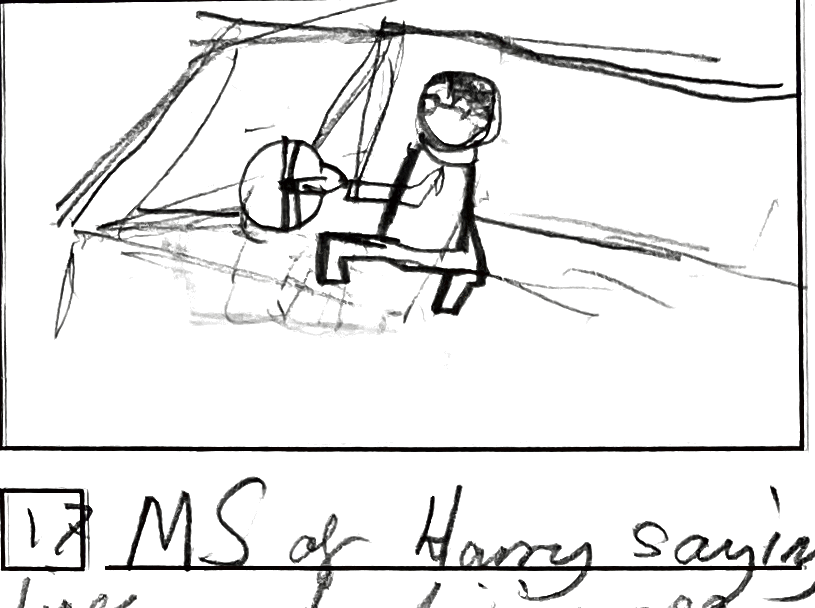
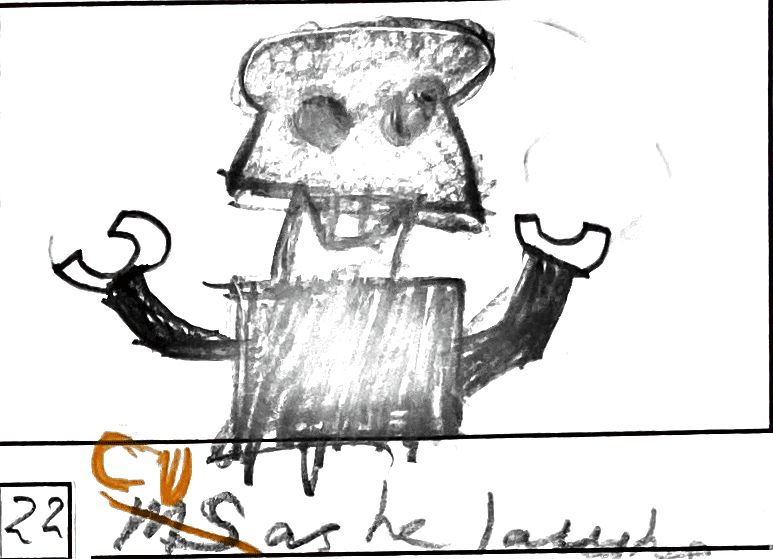
To begin with, I created a storyboard, built sets made of LEGO, cards and green-screens, and then shot on a digital camera mounted on a tripod, shooting out of order, using the storyboards to guide the different shots. Subsequently, I moved to using my mobile phone, because I found it easier to do and I found an efficient app to make stop motion animations with.
Challenges
- Syncing audio
- Green-screening
- Lighting balance
- Camera movements